
No individual channel approvals
You can't create your own list of trusted channels. YouTube Kids decides what's 'kid-friendly' — not you.
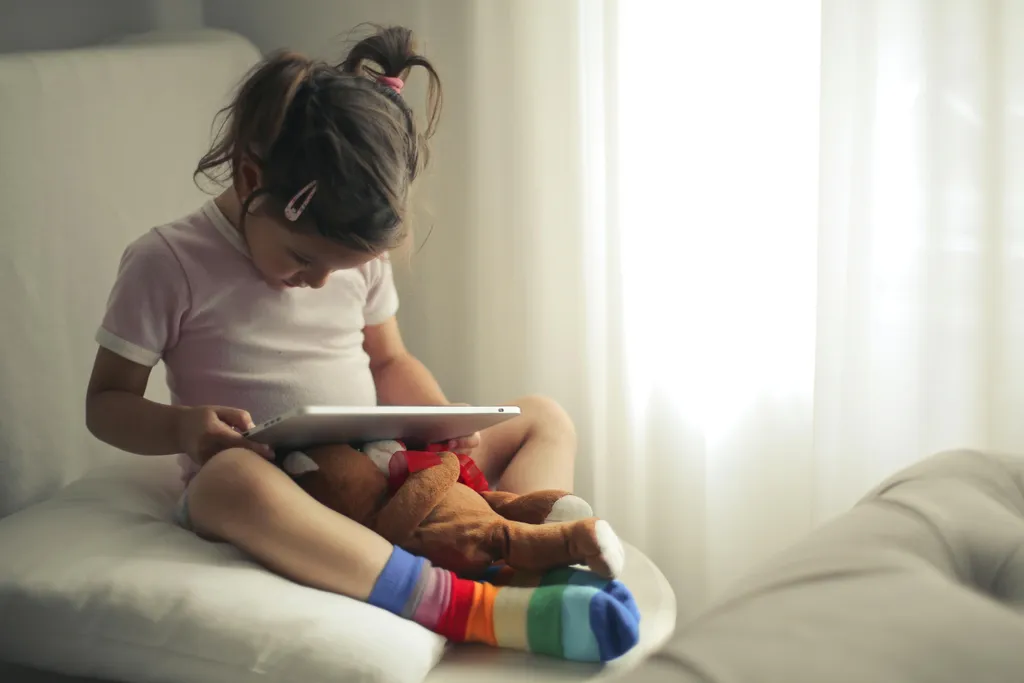
YouTube Kids is well-intentioned. But parents who really want to decide what their child sees need more than a filtered mode.
YouTube Kids tries to reduce risk. Tubsy starts from the other side: nothing appears until a parent has allowed it.
The key difference
YouTube Kids is useful for many families because it is simpler and more child-oriented than regular YouTube. But it still depends heavily on automated filtering and broad age settings.
If you want to decide exactly which channels, playlists, and videos your child can see, you need a different model: a positive list instead of a filtered feed.
Where filters reach their limit
The problem is not that YouTube Kids is bad. The problem is that it was built as a safer YouTube mode, not as a parent-curated media library.
You can't create your own list of trusted channels. YouTube Kids decides what's 'kid-friendly' — not you.
Block individual videos from a channel? Not possible. It's all or nothing.
Despite filters, inappropriate content regularly slips through. YouTube Kids can't guarantee quality control for billions of videos.
YouTube Kids does have a timer, but it's easy to bypass and offers no cross-app control.
Side by side

How Tubsy replaces the guesswork
Tubsy keeps YouTube useful but removes the open-ended feed. Your child sees a small, intentional library instead of a constantly changing recommendation machine.
Search for channels, playlists, or individual videos that fit your child.
Add the content to the right child profile. Everything else stays hidden.
Use separate profiles for different ages, interests, and limits.
Keep the good parts of YouTube and remove the parts that make parents uneasy: open search, surprise recommendations, and endless next videos.
Try for freeFree to start · No credit card required · Cancel anytime