
The Algorithm Never Stops
YouTube is optimized to keep viewers watching as long as possible. For kids, that means video after video with no natural end.
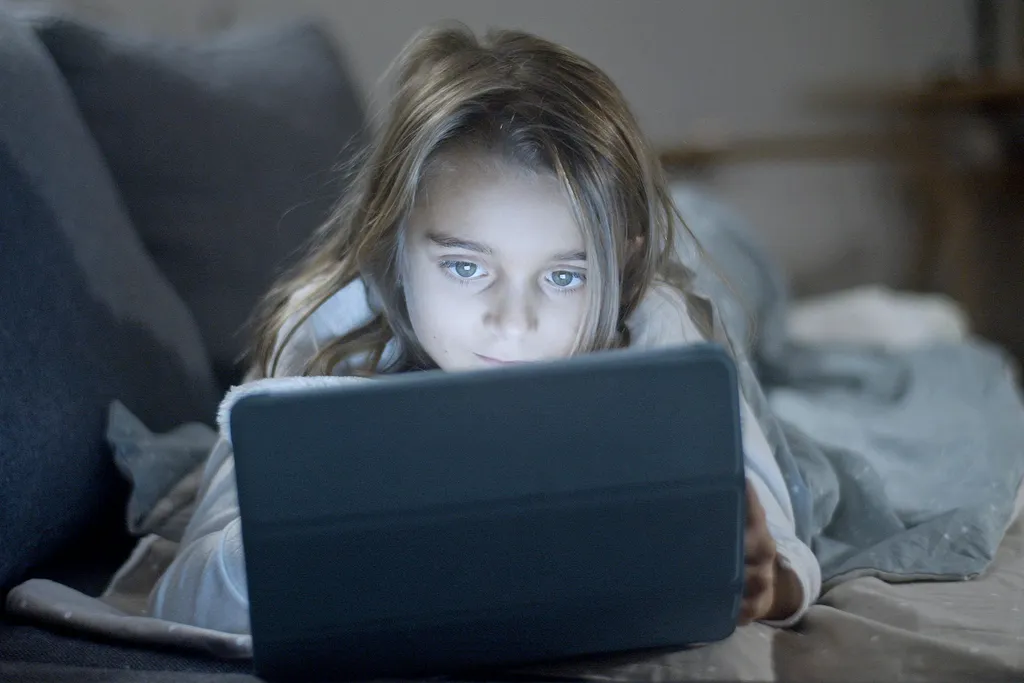
YouTube offers great content for kids — but the algorithm, automatic recommendations, and unvetted content make unsupervised watching risky. Tubsy changes that.
No child YouTube account needed. Parents approve content directly in Tubsy.

It only takes one autoplay jump for YouTube to stop feeling harmless.
The everyday problem
Most parents do not want to ban YouTube completely. There are wonderful science channels, music videos, tutorials, cartoons, and creative ideas. The problem is what happens after the video you actually chose.
Autoplay, recommendations, ads, Shorts, and attention-optimized feeds can pull children away from the content you meant to allow. Safe YouTube for kids means building boundaries before the algorithm gets involved.
Try the Rabbit Hole SimulatorWhat goes wrong
The risk is not one single bad video. It is the whole system around the video: what plays next, what gets suggested, and what your child is nudged to watch.
YouTube is optimized to keep viewers watching as long as possible. For kids, that means video after video with no natural end.
What YouTube suggests next is not up to you. The algorithm optimizes for clicks — not for your child's wellbeing.
Even content marked as suitable for children can be problematic. YouTube cannot possibly review every one of its billions of videos manually.
YouTube serves ads for toys, snacks, and games — directly to your child. Without any control from you.
What safe should mean
Time limits help, but they do not decide what appears on screen. For younger children especially, safety starts with a clear allowlist and an experience that does not keep pushing new content.
Channels, playlists, or individual videos should be approved before your child can watch them.
The safest next video is the one you selected, not the one an algorithm predicts will get another click.
Children need boundaries that feel predictable: session limits, daily limits, and no endless autoplay.
A four-year-old and a ten-year-old should not share the exact same YouTube library.
The Tubsy approach
With Tubsy, you decide which content your child is allowed to see. You approve channels, playlists, or individual videos. Everything else is simply not shown.
 Approved for this child
The honest comparison
Great content, but built around recommendations, autoplay, ads, comments, and watch time.
More child-oriented, but still not the same as parents choosing exactly which channels and videos appear.
A focused viewer for parent-approved YouTube content: no open search, no algorithmic rabbit holes, no surprise feed.
Setup
Sign up for free. You're ready to go in under a minute.
Create a profile for each child. Just a name and you're done. Add more profiles anytime.
Add YouTube channels, playlists, or individual videos. Your child only sees what you choose.
Thousands of parents trust Tubsy to give their children a safe YouTube experience.
Try Tubsy for freeFree to start · No credit card required · Cancel anytime